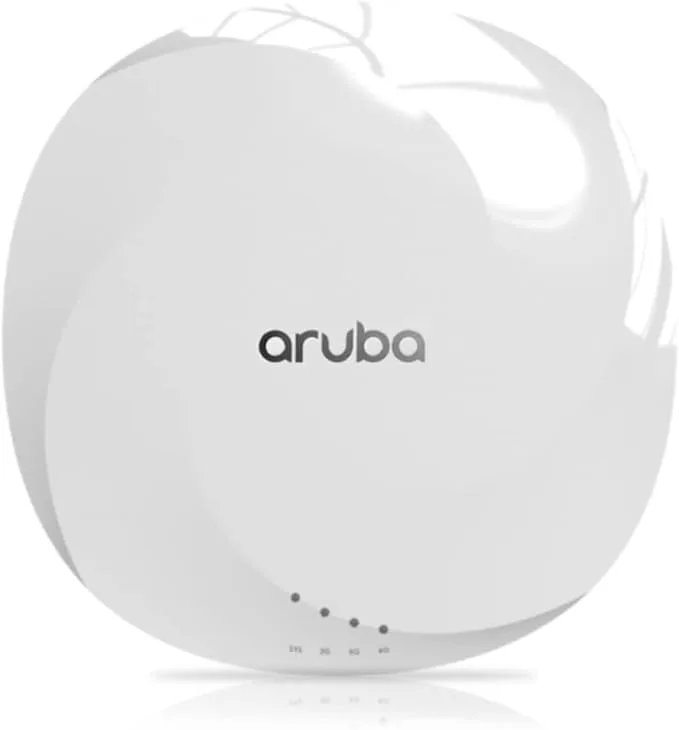
HARDWARE_AGNOSTIC_ARCHITECTURE

Your Hardware.
Our Brain.

Captivux imposes no proprietary hardware. Simply configure our Cloud RADIUS servers (secured IPSEC IP) and the redirect URL on your existing network controller.

0
referenced models
0
vendor ecosystems
0
config lines are enough

Hardware in motion

See the network before you deploy it.

Interactive sequence
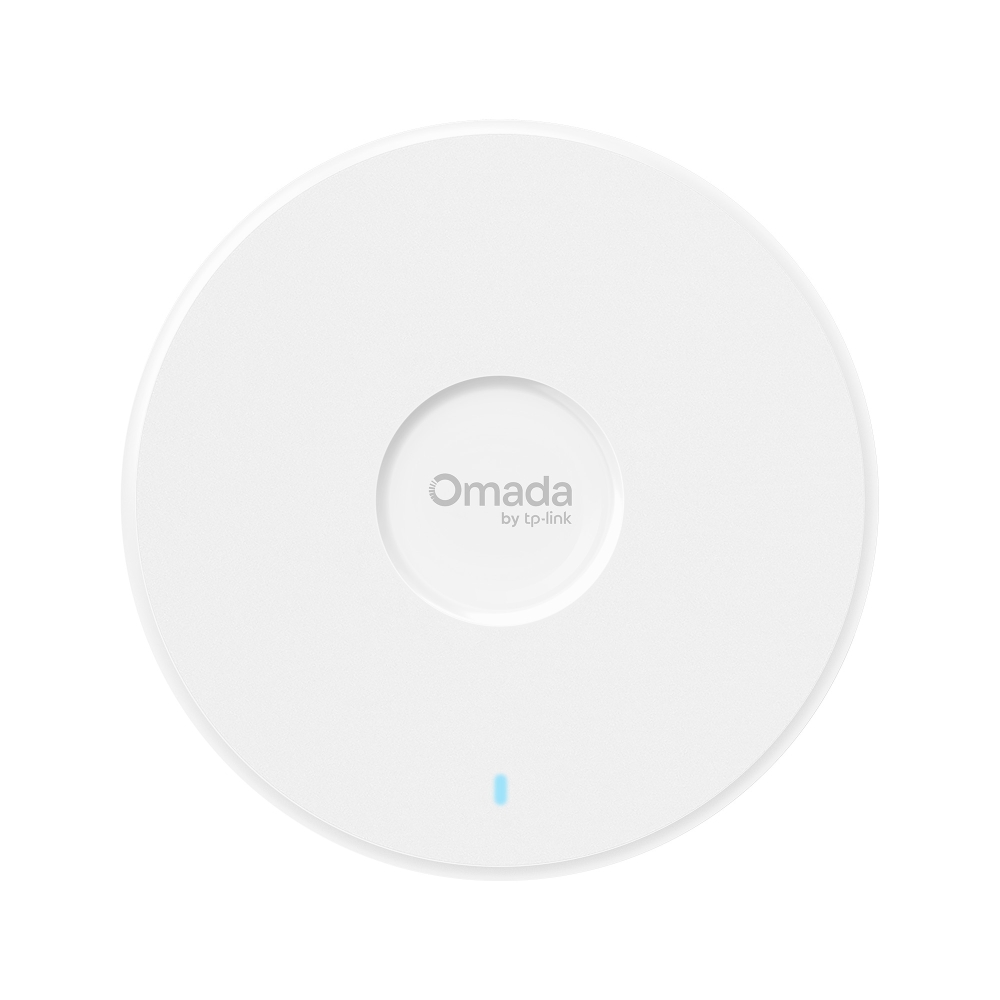
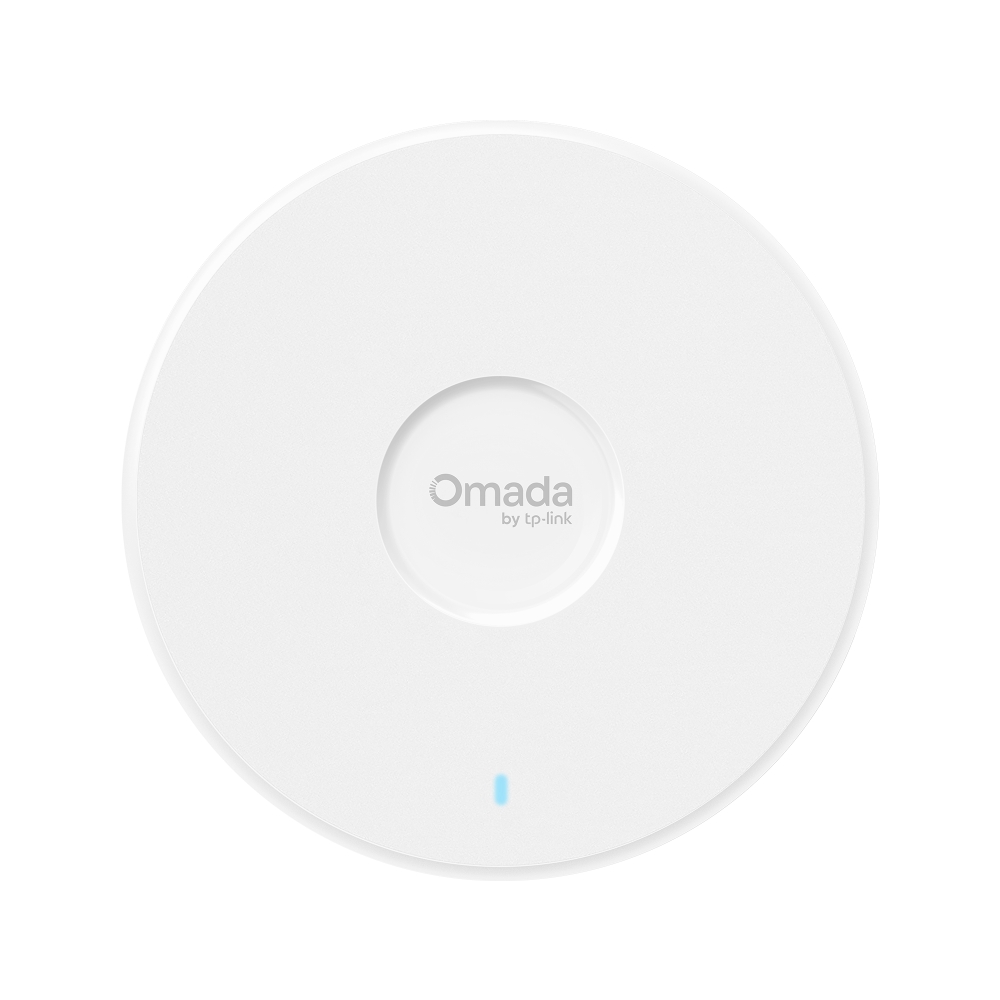
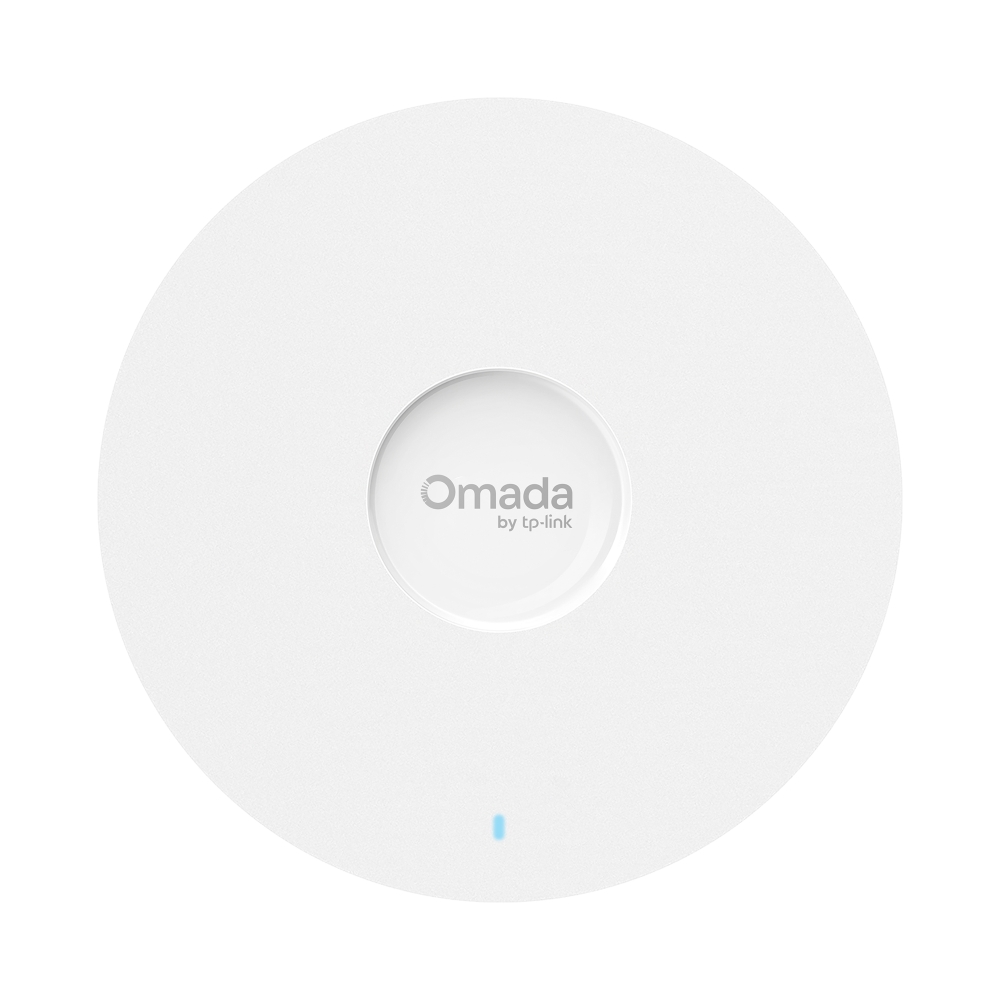
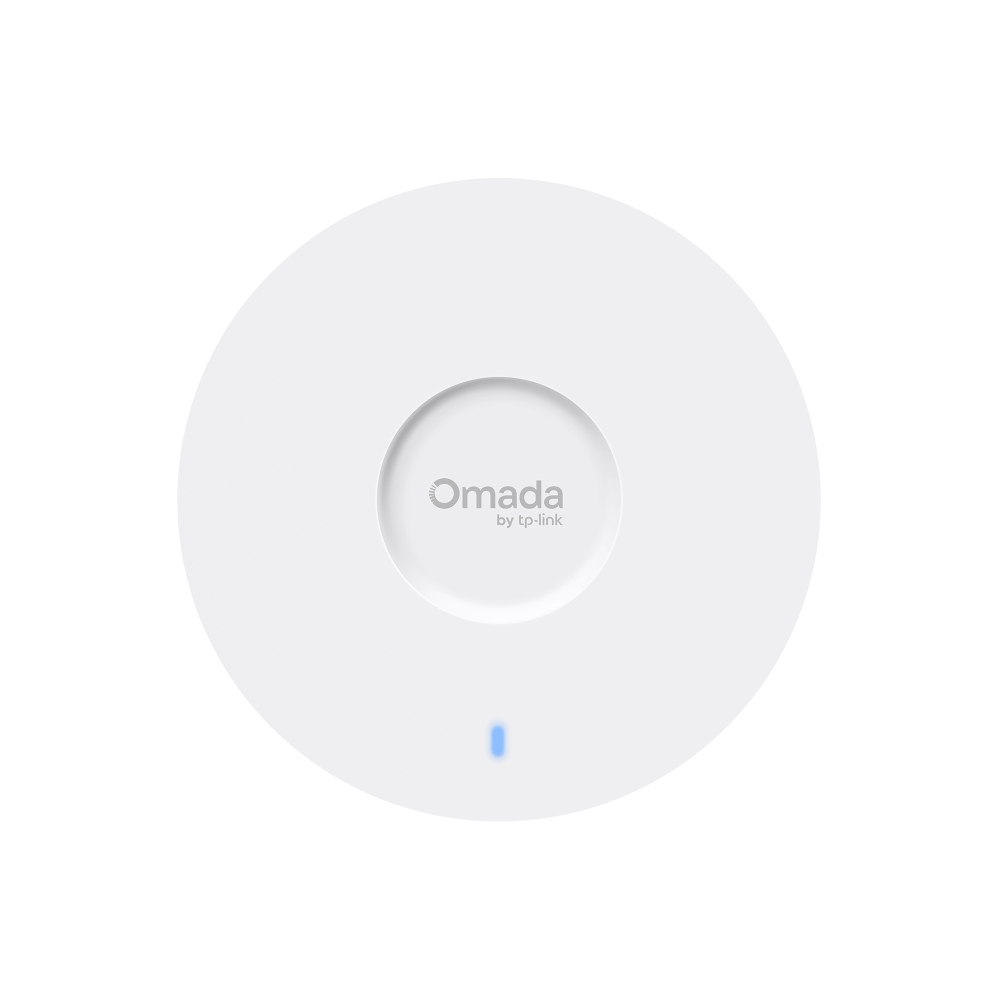
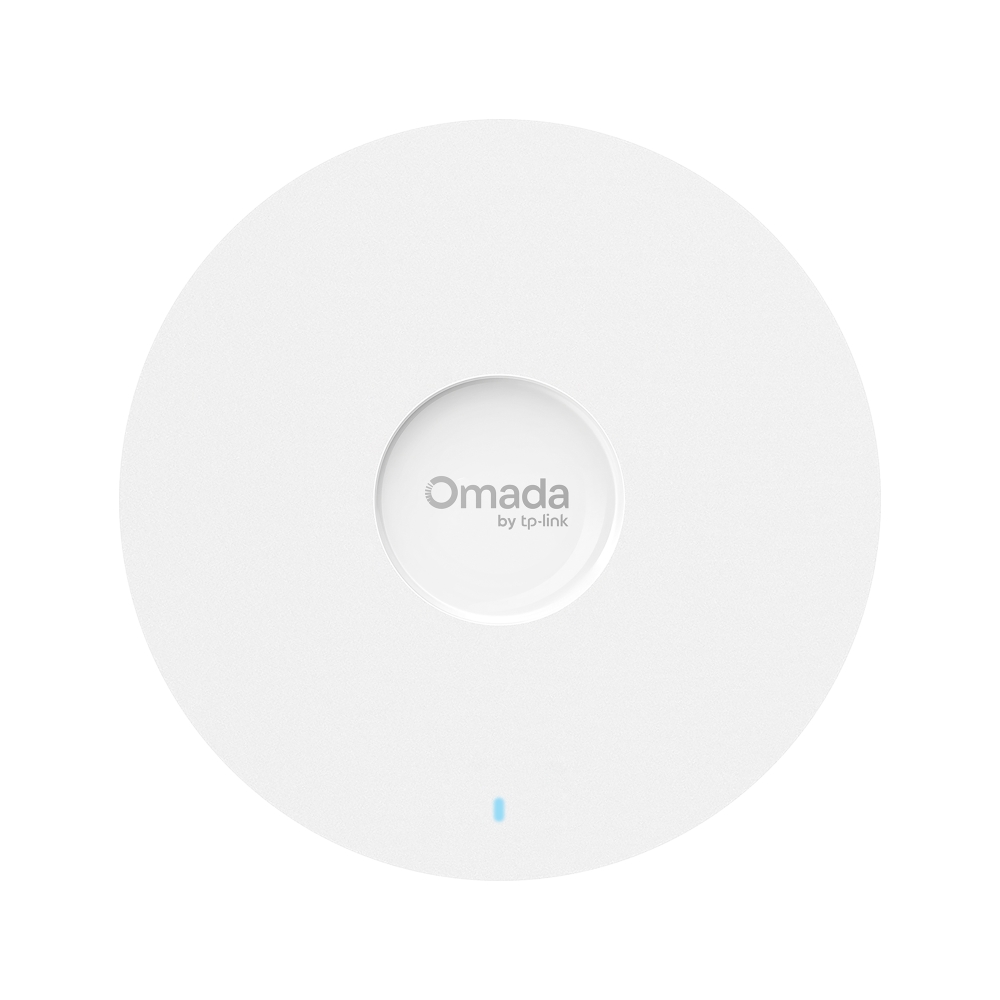
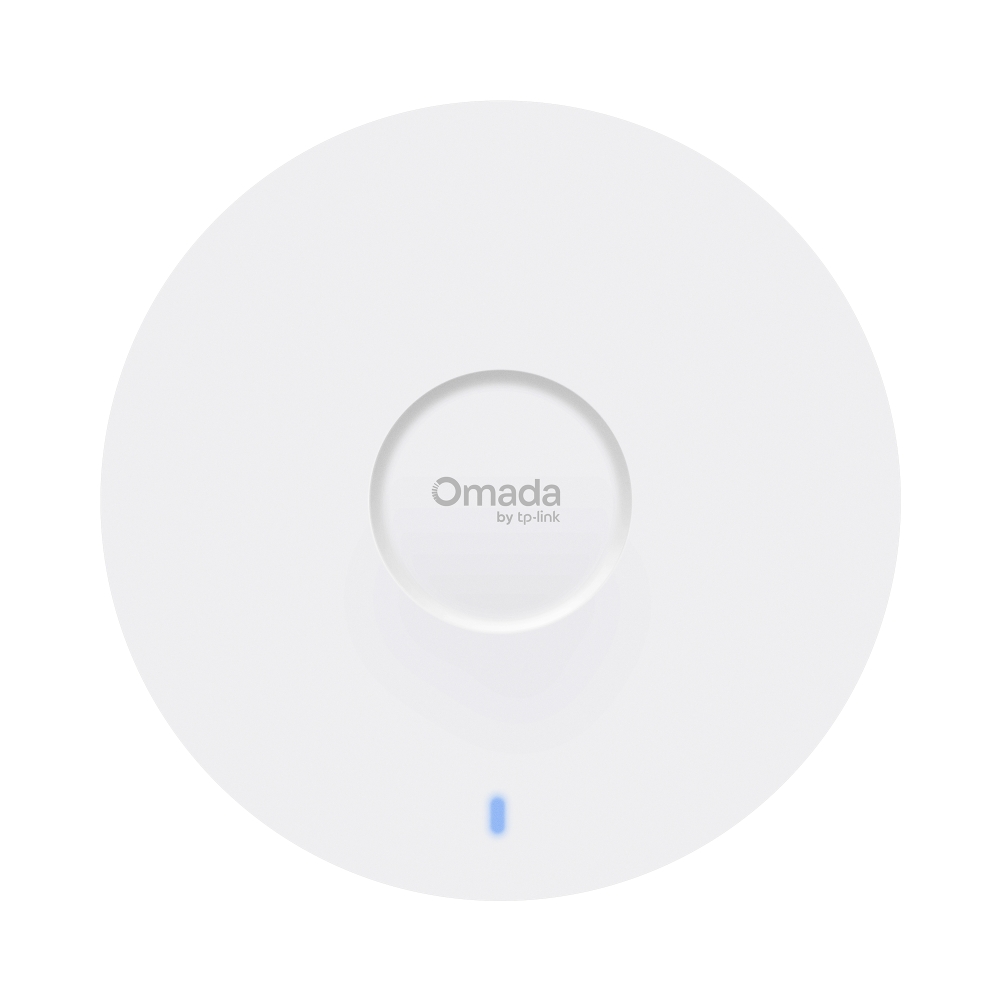
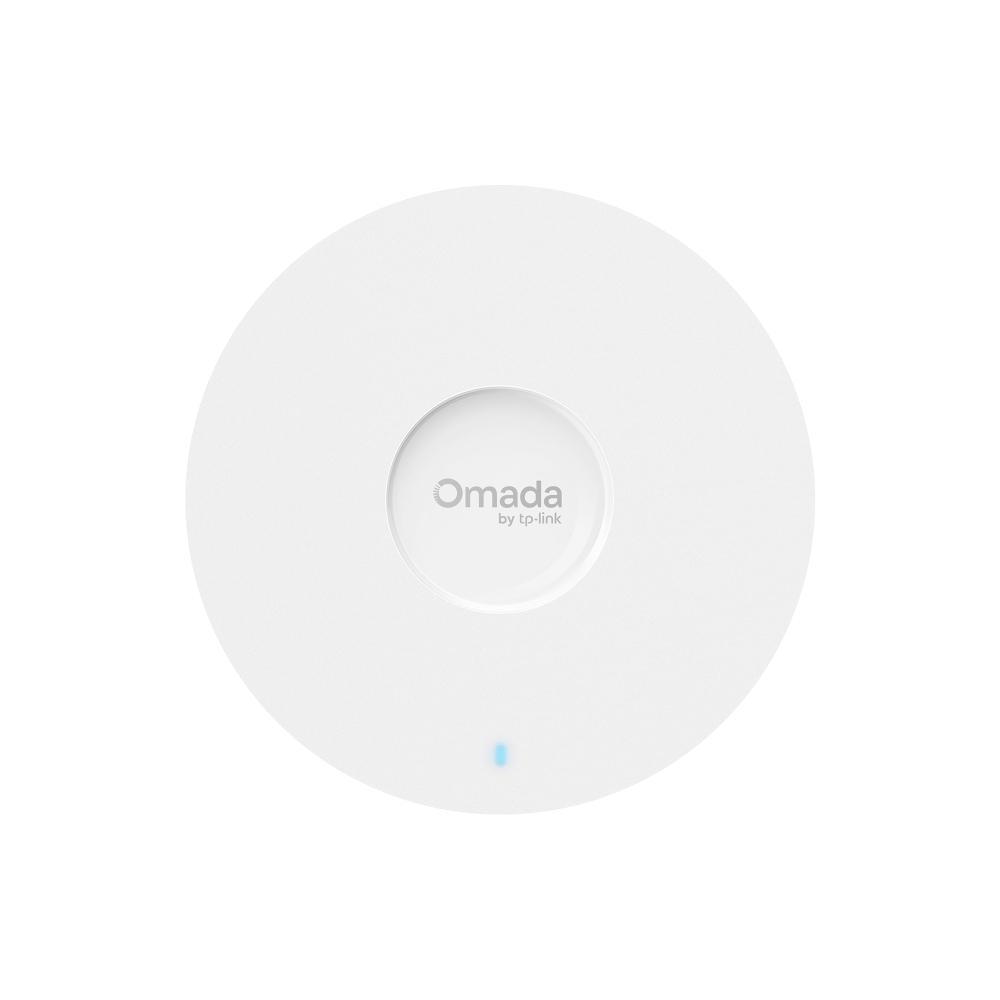
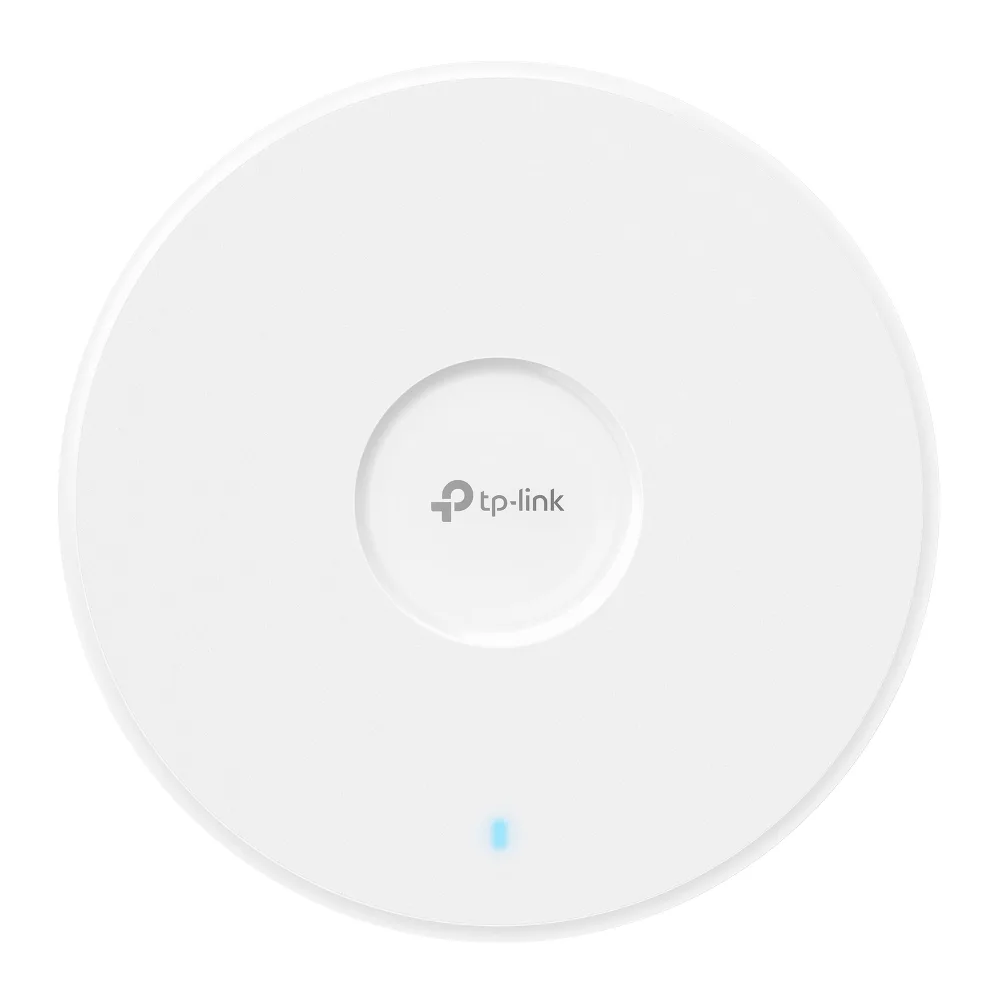
Omada / Wi-Fi 701 / 03

High-density performance

A visual tour of radio capacity, coverage and enterprise deployment.

Explore this architecture
FULL_CATALOG

Product Catalog
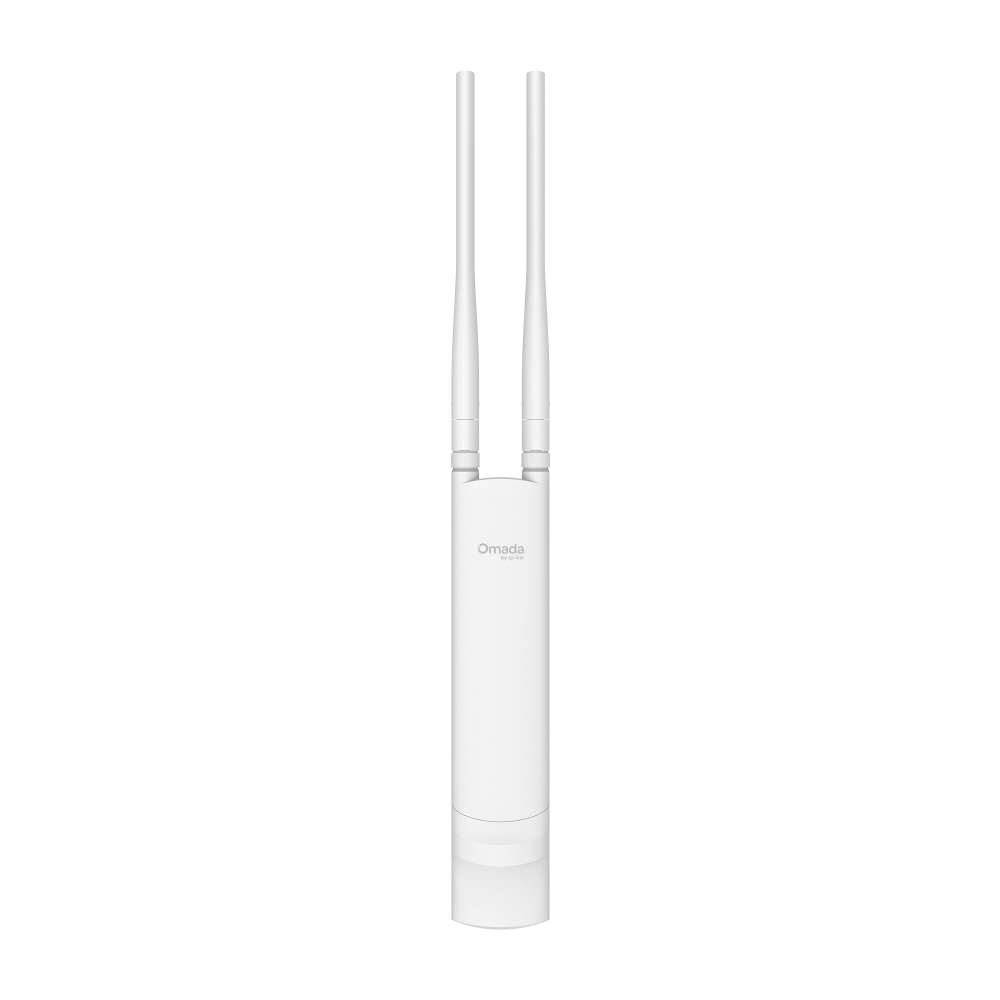
46 products found
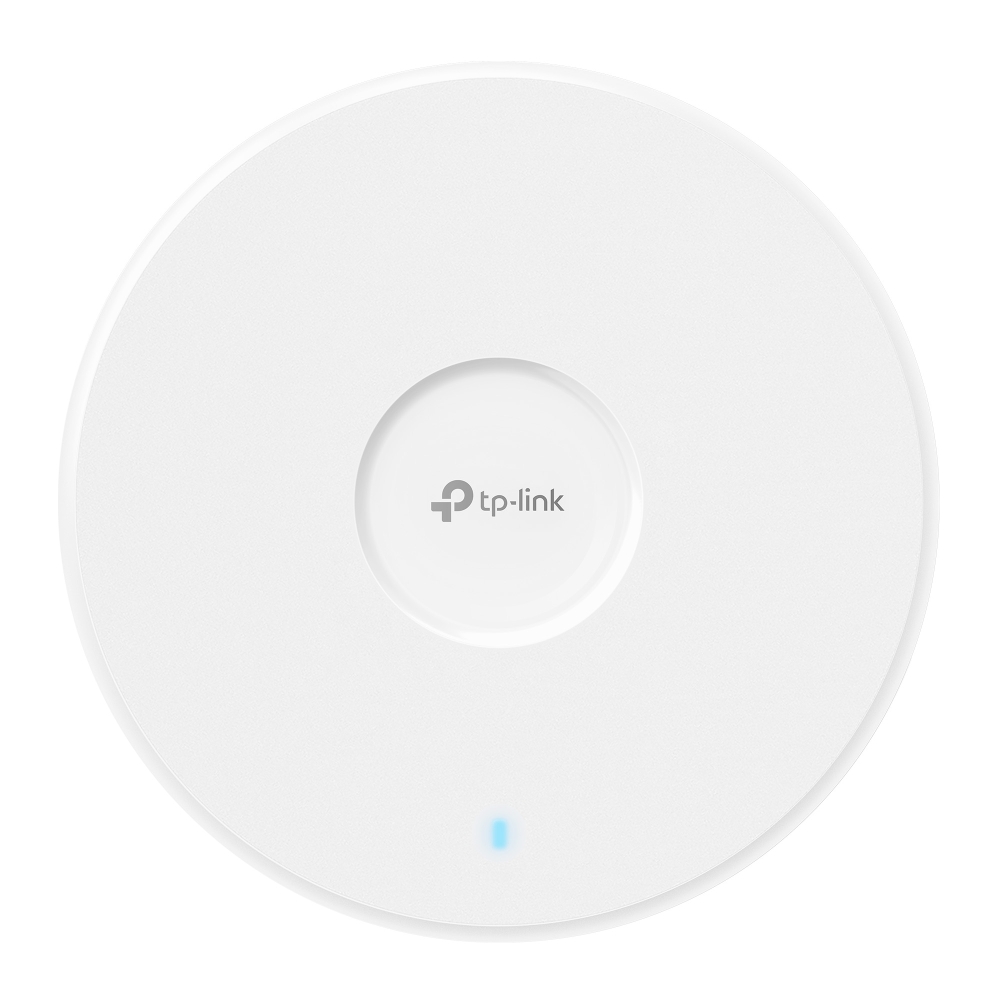
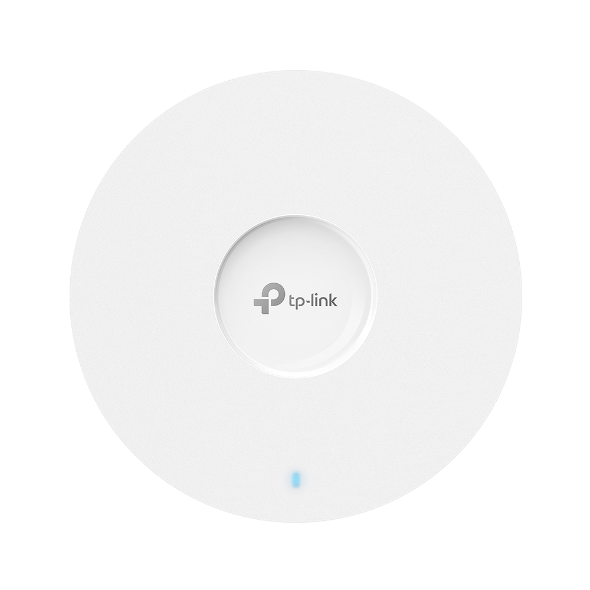
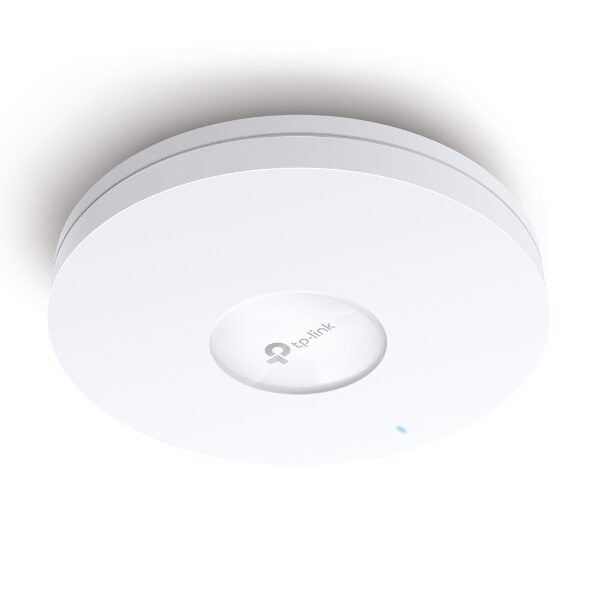
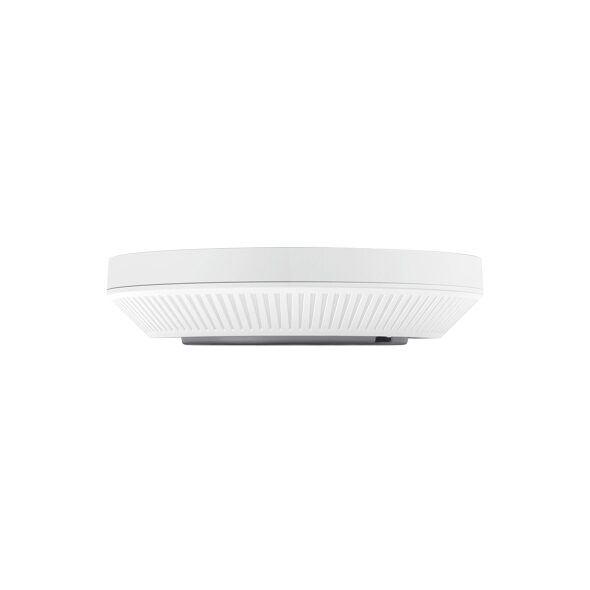
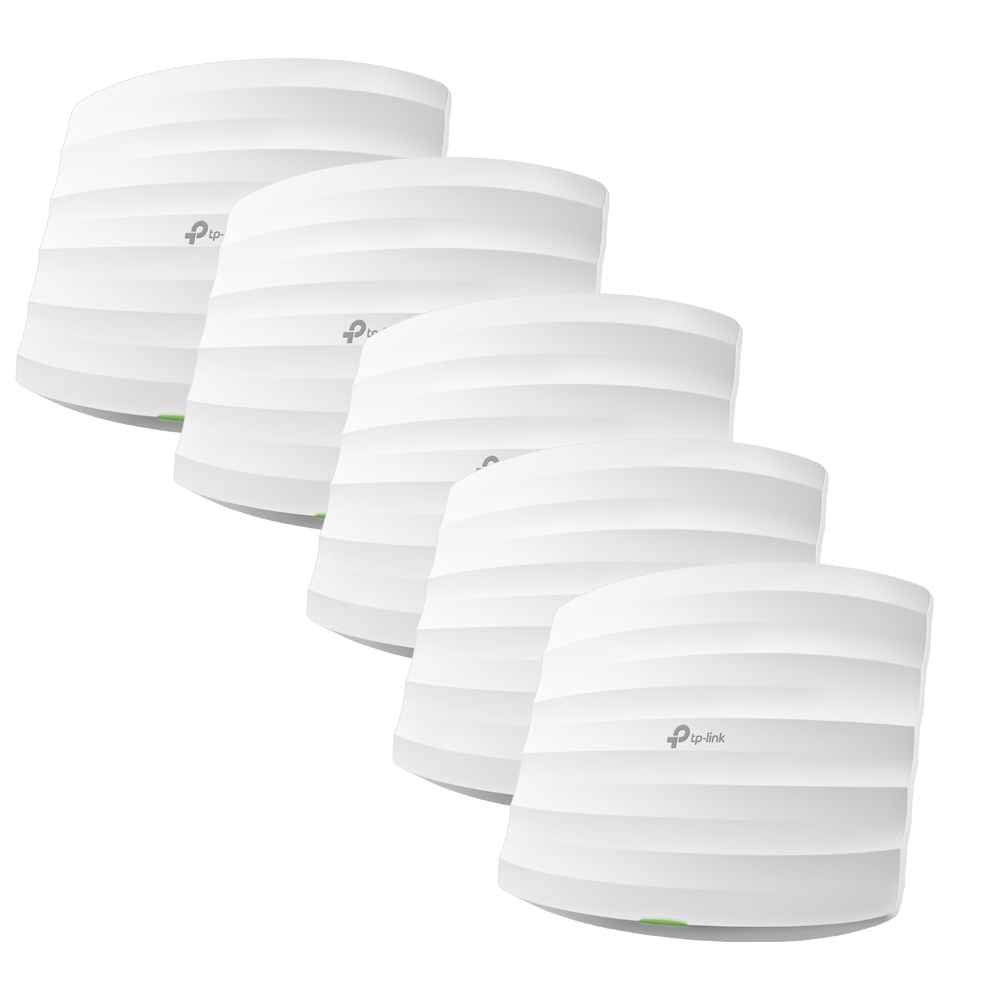
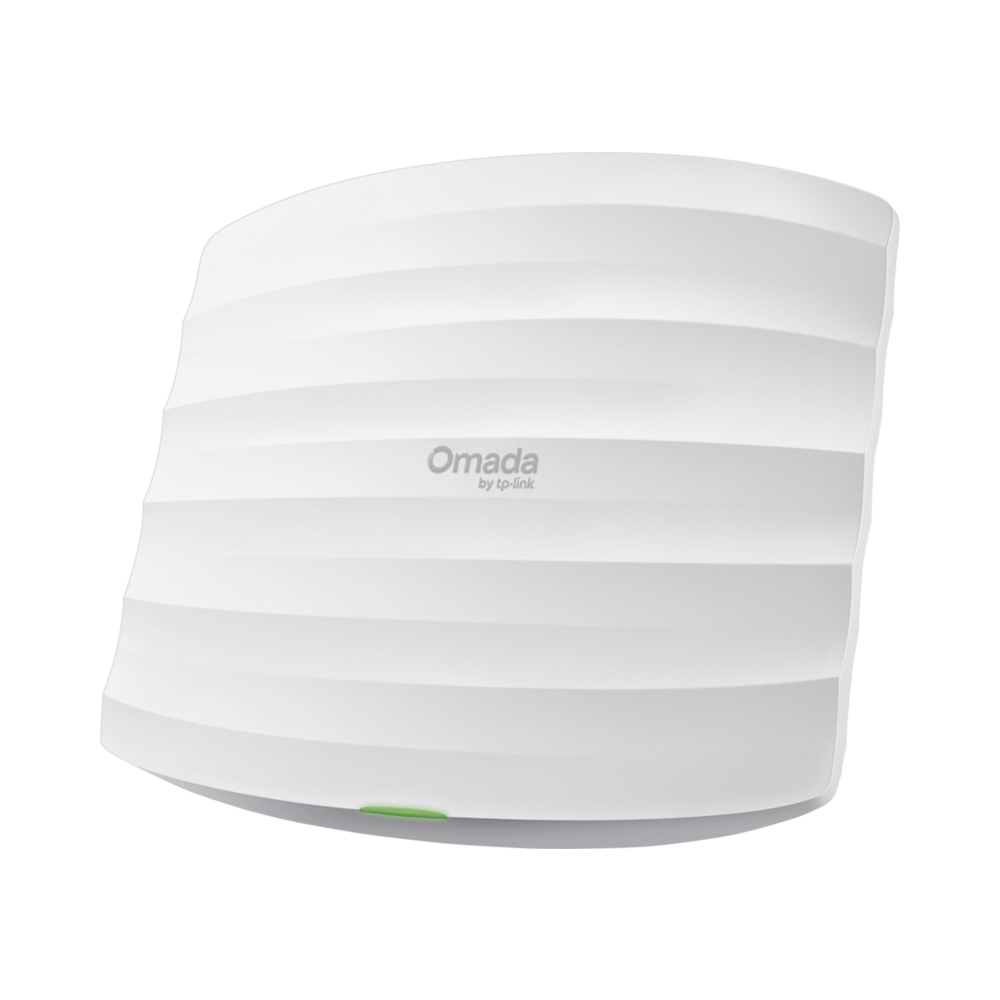
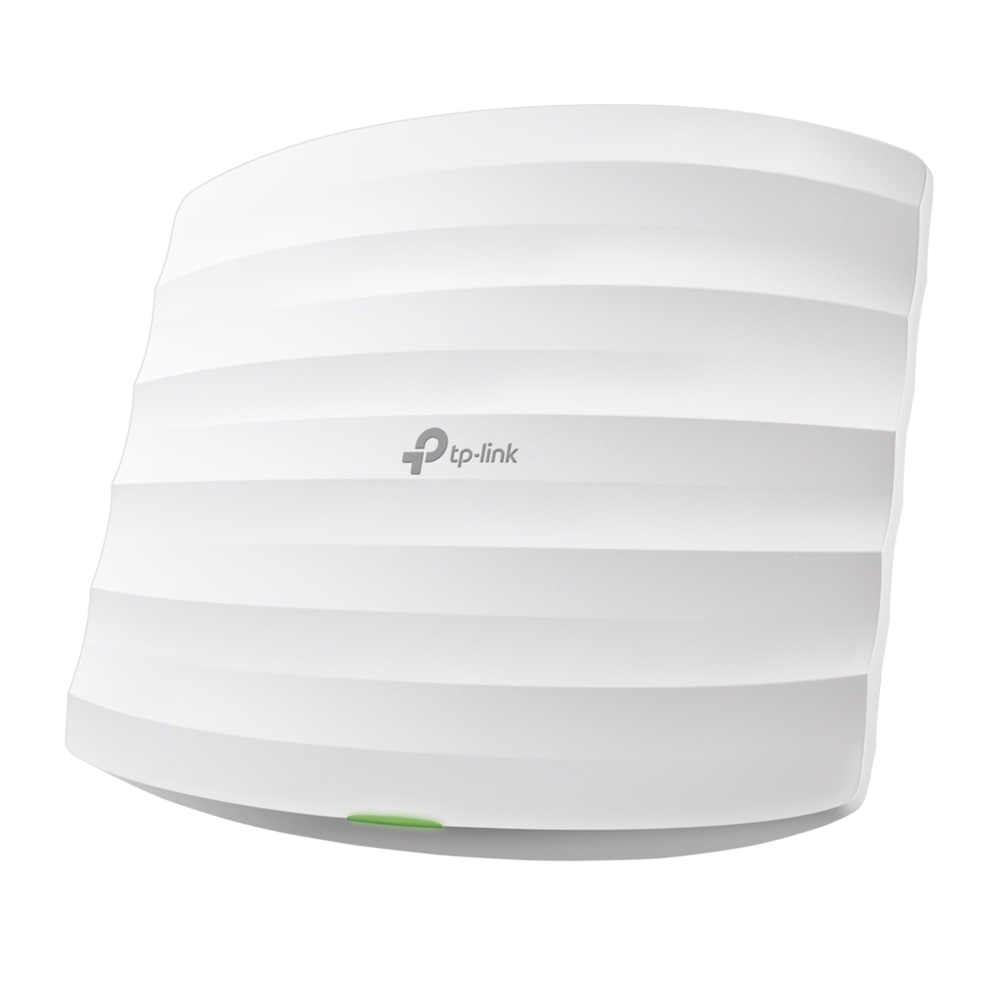
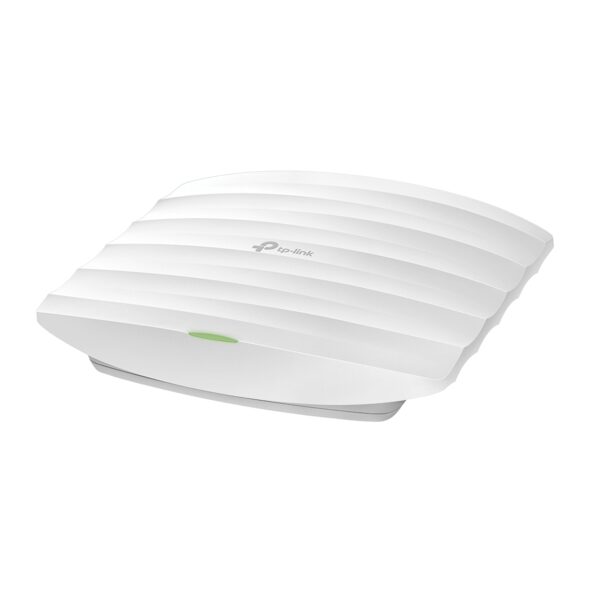
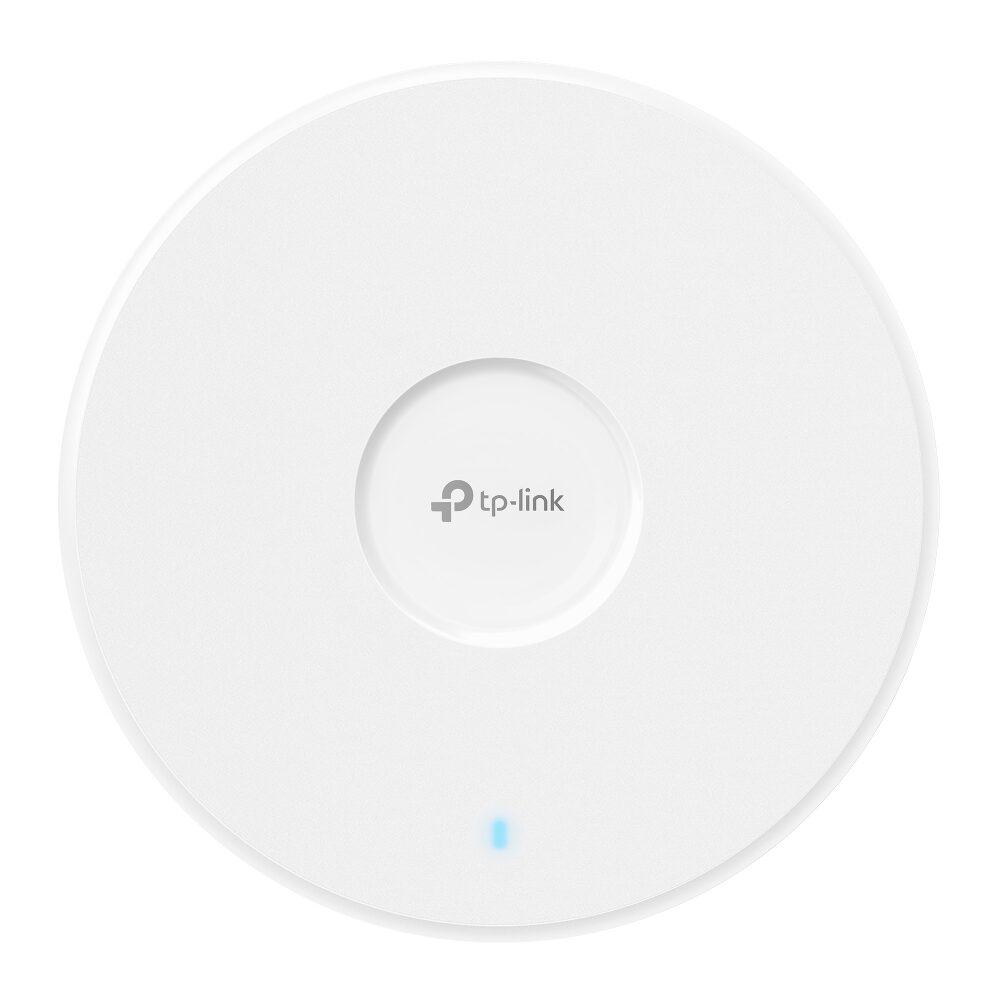
EAP787
TP-Link OmadaWi-Fi 7

EAP787

BE9300
RJ45 10GIndoor
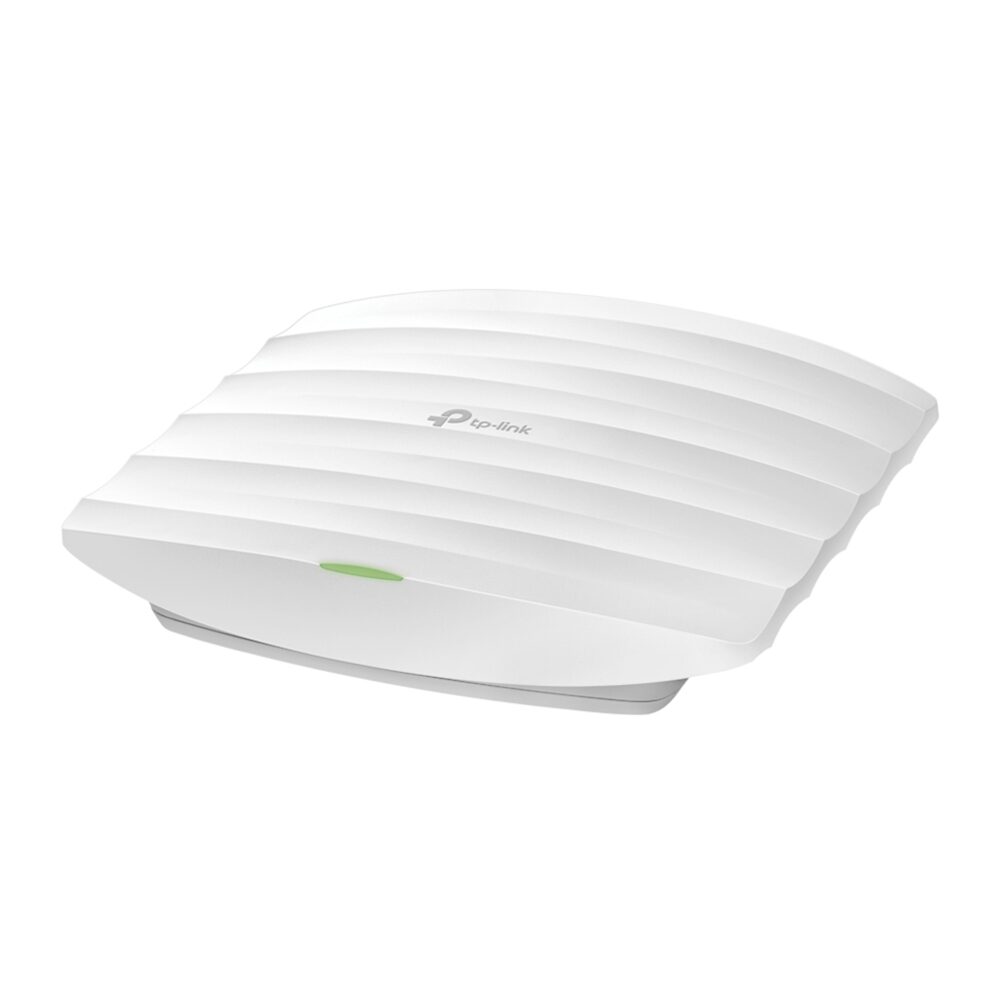
EAP773
TP-Link OmadaWi-Fi 7

EAP773

BE9300
RJ45 10GIndoor
EAP783
TP-Link OmadaWi-Fi 7

EAP783

BE19000
2× RJ45 10GIndoor
EAP772
TP-Link OmadaWi-Fi 7

EAP772

BE9200
RJ45 5GIndoor
EAP770
TP-Link OmadaWi-Fi 7

EAP770

BE11000
RJ45 10GIndoor
EAP723
TP-Link OmadaWi-Fi 7

EAP723

BE3600
RJ45 5GIndoor
EAP660 HD
TP-Link OmadaWi-Fi 6

EAP660 HD

AX3600
RJ45 5GIndoor
EAP653 UR
TP-Link OmadaWi-Fi 6

EAP653 UR

AX3000
RJ45 GigabitIndoor
EAP683 UR
TP-Link OmadaWi-Fi 6

EAP683 UR

AX6000
RJ45 5GIndoor
EAP673
TP-Link OmadaWi-Fi 6

EAP673

AX5400
RJ45 5GIndoor
EAP680
TP-Link OmadaWi-Fi 6

EAP680

AX6000
RJ45 5GIndoor
EAP670
TP-Link OmadaWi-Fi 6

EAP670

AX5400
RJ45 5GIndoor
EAP650
TP-Link OmadaWi-Fi 6

EAP650

AX3000
RJ45 GigabitIndoor
EAP610
TP-Link OmadaWi-Fi 6

EAP610

AX1800
RJ45 GigabitIndoor
EAP620 HD
TP-Link OmadaWi-Fi 6

EAP620 HD

AX1800
RJ45 GigabitIndoor
EAP613
TP-Link OmadaWi-Fi 6

EAP613

AX1800
RJ45 GigabitIndoor
EAP653
TP-Link OmadaWi-Fi 6

EAP653

AX3000
RJ45 GigabitIndoor
EAP245
TP-Link OmadaWi-Fi 5

EAP245

AC1750
2× RJ45 GigabitIndoor
EAP225
TP-Link OmadaWi-Fi 5

EAP225

AC1350
RJ45 GigabitIndoor
EAP223
TP-Link OmadaWi-Fi 5

EAP223

AC1350
RJ45 GigabitIndoor
EAP265 HD
TP-Link OmadaWi-Fi 5

EAP265 HD

AC1750
2× RJ45 GigabitIndoor
EAP115
TP-Link OmadaWi-Fi 4

EAP115

N300
RJ45 100MIndoor
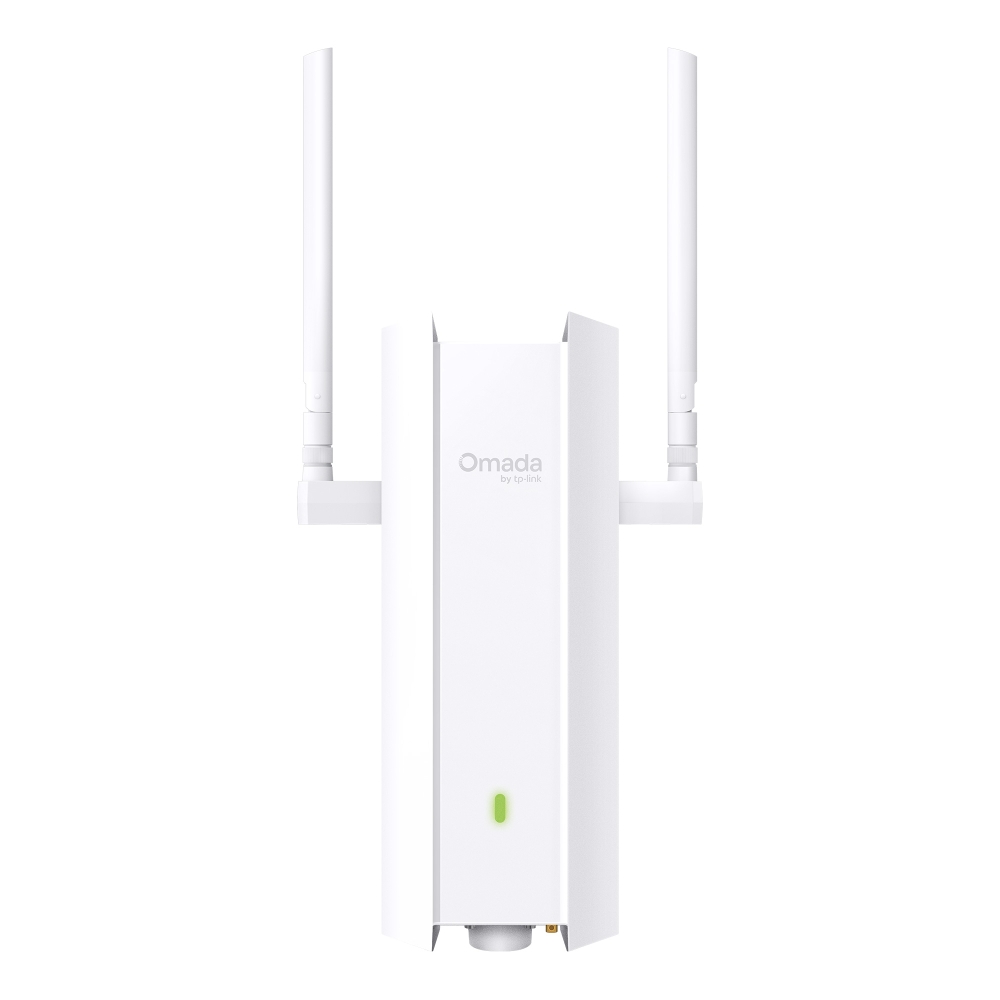
EAP725-Outdoor
TP-Link OmadaWi-Fi 7
RJ45 10GOutdoor
EAP625-Outdoor HD
TP-Link OmadaWi-Fi 6
RJ45 GigabitOutdoor
EAP225-Outdoor
TP-Link OmadaWi-Fi 5
RJ45 GigabitOutdoor
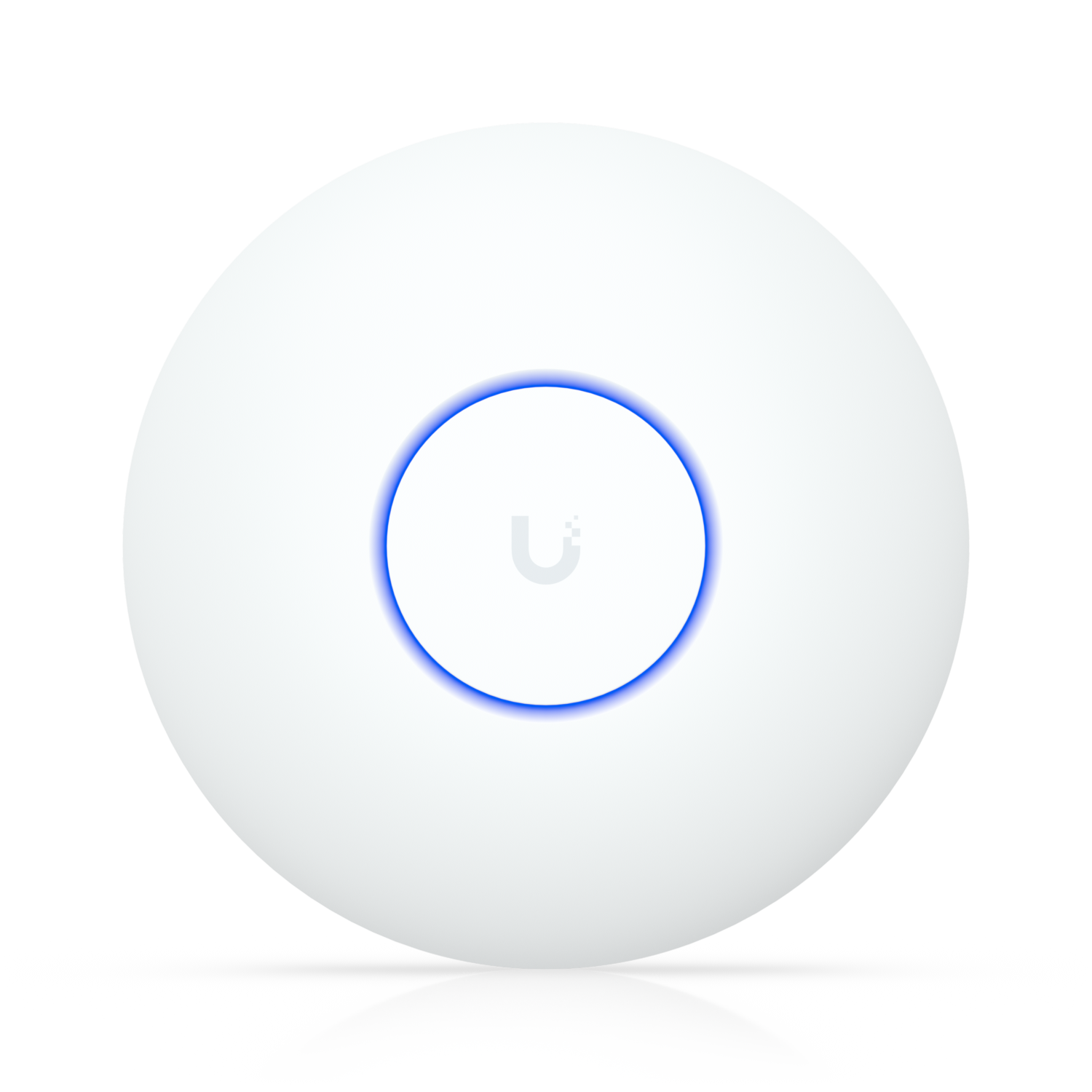
U7 Pro XGS
Ubiquiti UniFiWi-Fi 7

U7 Pro XGS

BE10000
RJ45 10GIndoor
U7 Pro XG
Ubiquiti UniFiWi-Fi 7

U7 Pro XG

BE10000
RJ45 10GIndoor
U7 Pro Max
Ubiquiti UniFiWi-Fi 7

U7 Pro Max

BE22000
RJ45 5GIndoor
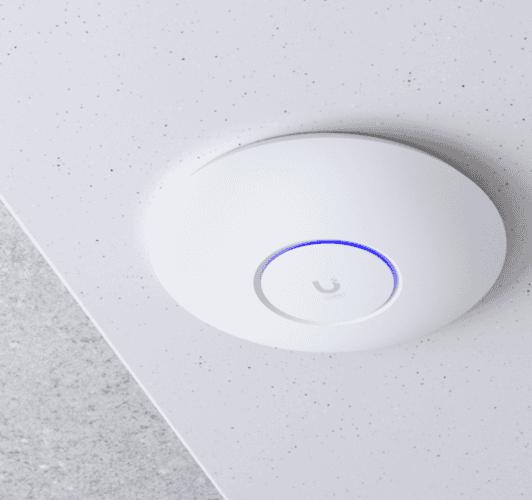
U7 Pro
Ubiquiti UniFiWi-Fi 7

U7 Pro

BE9300
RJ45 5GIndoor
U7 LR
Ubiquiti UniFiWi-Fi 7

U7 LR

BE11000
RJ45 5GIndoor
U7 Lite
Ubiquiti UniFiWi-Fi 7

U7 Lite

BE5000
RJ45 5GIndoor
U6 Enterprise
Ubiquiti UniFiWi-Fi 6E
RJ45 5GIndoor
U6 Pro
Ubiquiti UniFiWi-Fi 6

U6 Pro

AX5378
RJ45 GigabitIndoor
U6 Plus
Ubiquiti UniFiWi-Fi 6

U6 Plus

AX3000
RJ45 GigabitIndoor
UAP-AC-Pro
Ubiquiti UniFiWi-Fi 5
2× RJ45 GigabitIndoor
AP9778
TP-Link OmadaWi-Fi 7

AP9778

BE11000
RJ45 5GIndoor
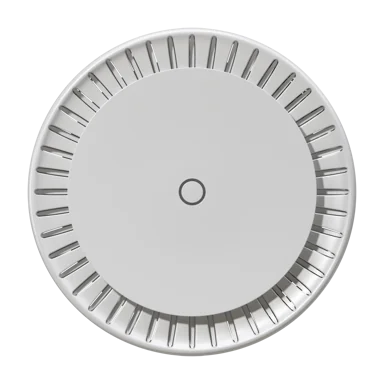
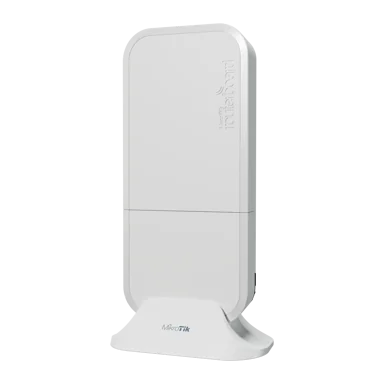
cAP ax
MikroTik RouterOSWi-Fi 6

cAP ax

AX1800
2× RJ45 GigabitIndoor
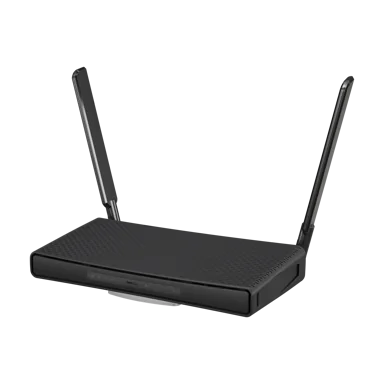
hAP ax³
MikroTik RouterOSWi-Fi 6

hAP ax³

AX1800
4× RJ45 5GIndoor
wAP ax
MikroTik RouterOSWi-Fi 6

wAP ax

AX1800
2× RJ45 GigabitOutdoor
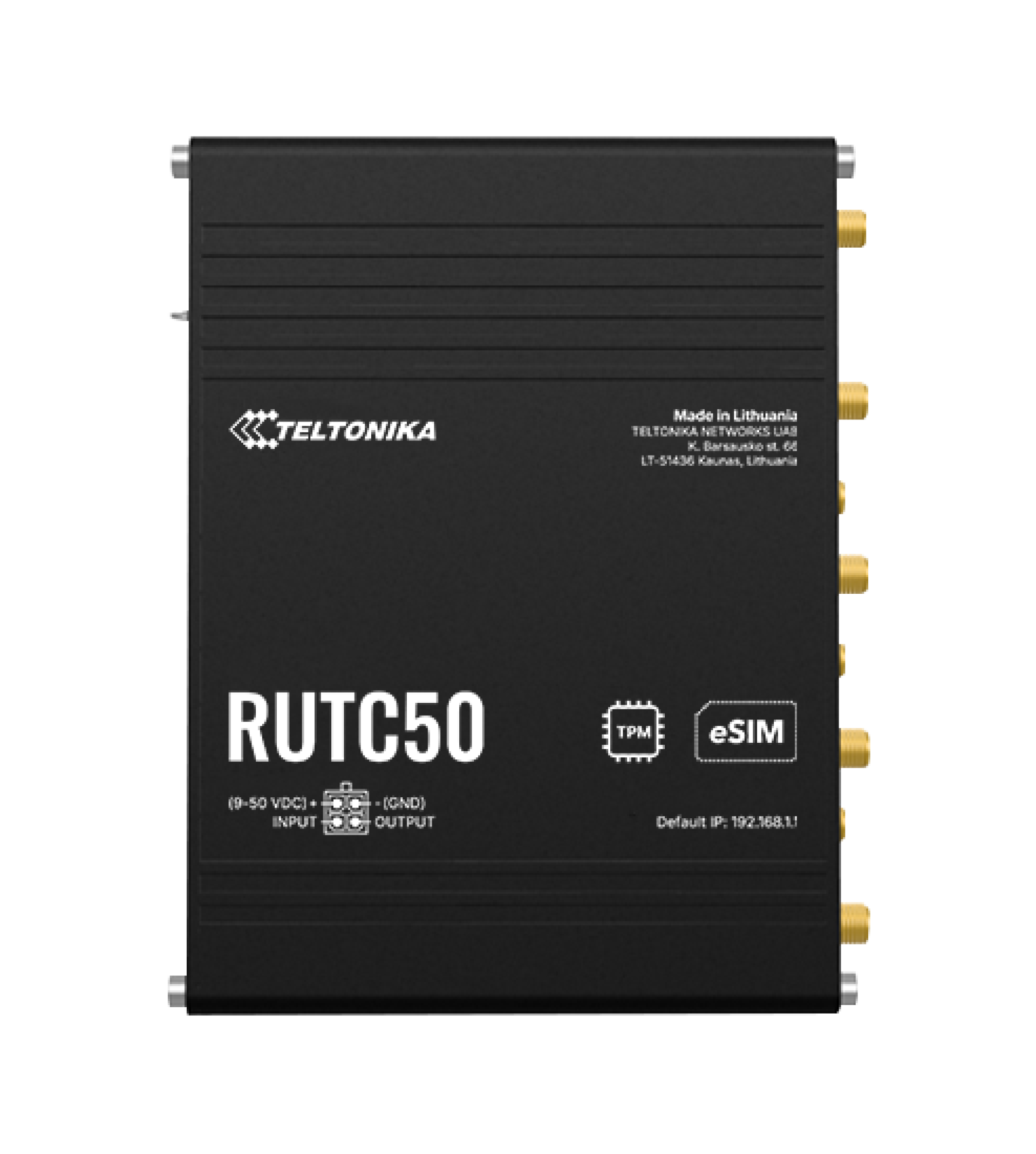
RUTC50
Teltonika NetworksWi-Fi 6

RUTC50

Wi-Fi 6
5× RJ45 GigabitIndoor
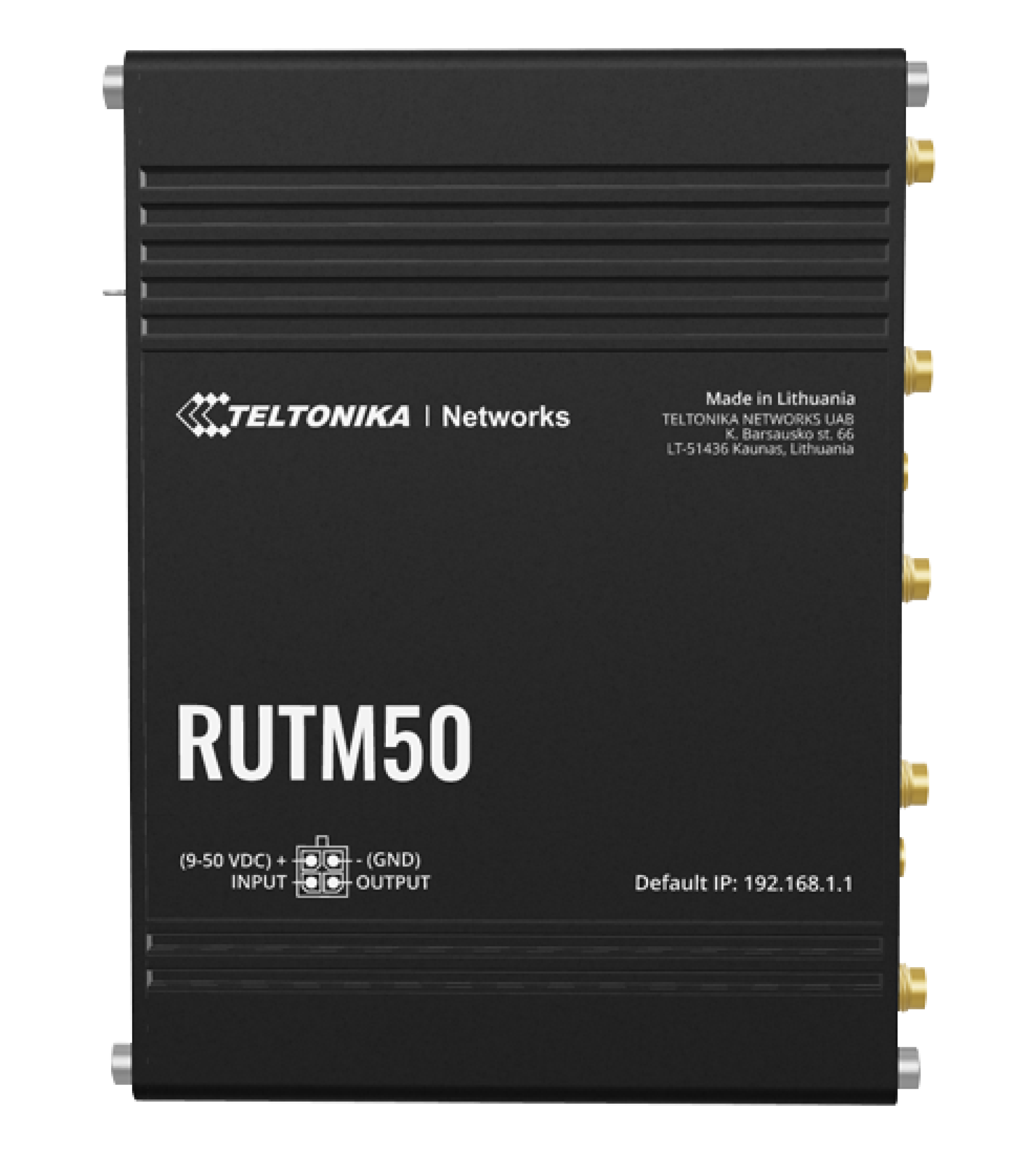
RUTM50
Teltonika NetworksWi-Fi 5

RUTM50

Wi-Fi 5
5× RJ45 GigabitIndoor
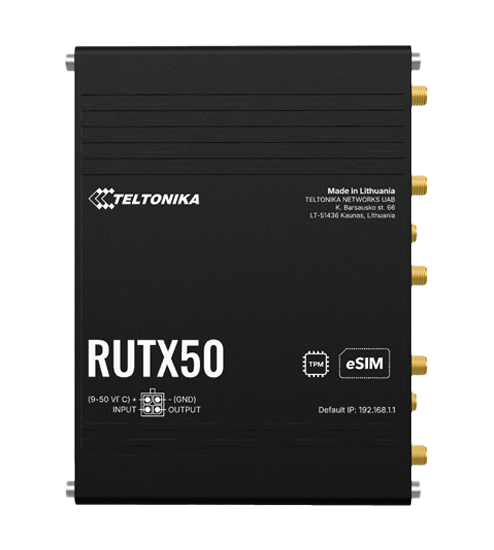
RUTX50
Teltonika NetworksWi-Fi 5

RUTX50

Wi-Fi 5
5× RJ45 GigabitIndoor
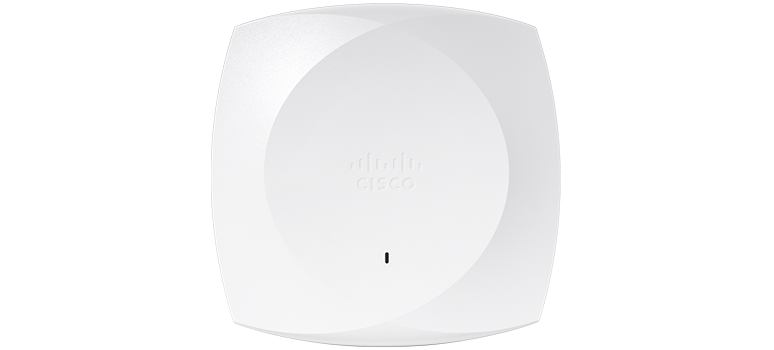
CW9178I
Cisco MerakiWi-Fi 7

CW9178I

Wi-Fi 7
2× RJ45 10GIndoor
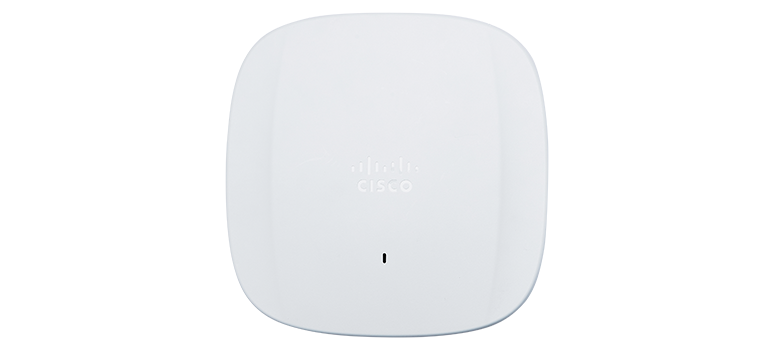
CW9166
Cisco MerakiWi-Fi 6E

CW9166

Wi-Fi 6E
RJ45 5GIndoor
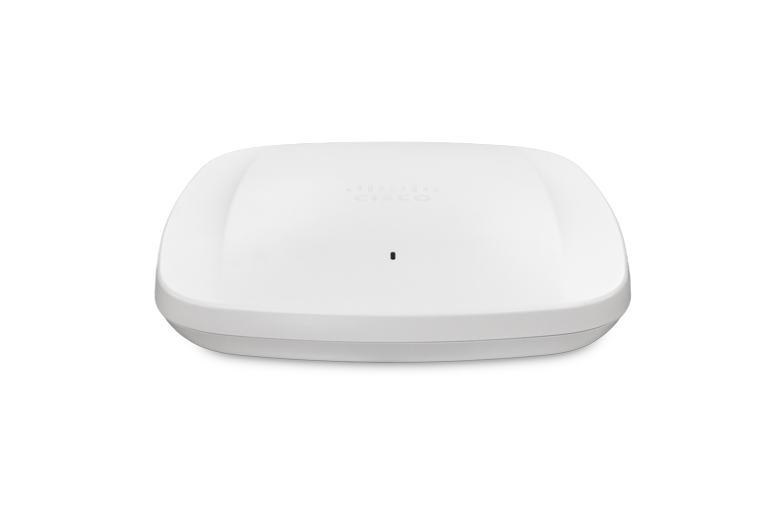
MR57
Cisco MerakiWi-Fi 6E

MR57

Wi-Fi 6E
2× RJ45 5GIndoor
Instant On AP22
HPE Instant OnWi-Fi 6
RJ45 GigabitIndoor
INTEGRATION_GUIDES

A step-by-step guide for every vendor.

RADIUS, captive portal, walled garden: every ecosystem has its own Captivux wiring guide, from cloud controllers to industrial 5G routers.
CLI_INTEGRATION

Setup in 3 Lines.

Our documentation provides the CLI scripts to inject the configuration straight into your routers. Copy, paste, deploy — in under 60 seconds.

Pre-generated scripts for every manufacturer
Secure IPSEC tunnel included
Compatible with SSH, REST API, and web console
captivux_config.rsc
RouterOS v7.x
# RouterOS Configuration Example
/radius add
service=hotspot
address=198.51.100.14
secret=[DASHBOARD_SECRET]
/ip hotspot walled-garden add
dst-host=*.captivux.com
action=allow
admin@router >

Keep your hardware. Deploy Captivux.

Our technical team configures your infrastructure in under 24h. Dedicated support for complex integrations.