UniFi OS Controller Setup
Follow this guide to bind your Ubiquiti UniFi Network Controller with Captivux Cloud RADIUS and custom captive portal.
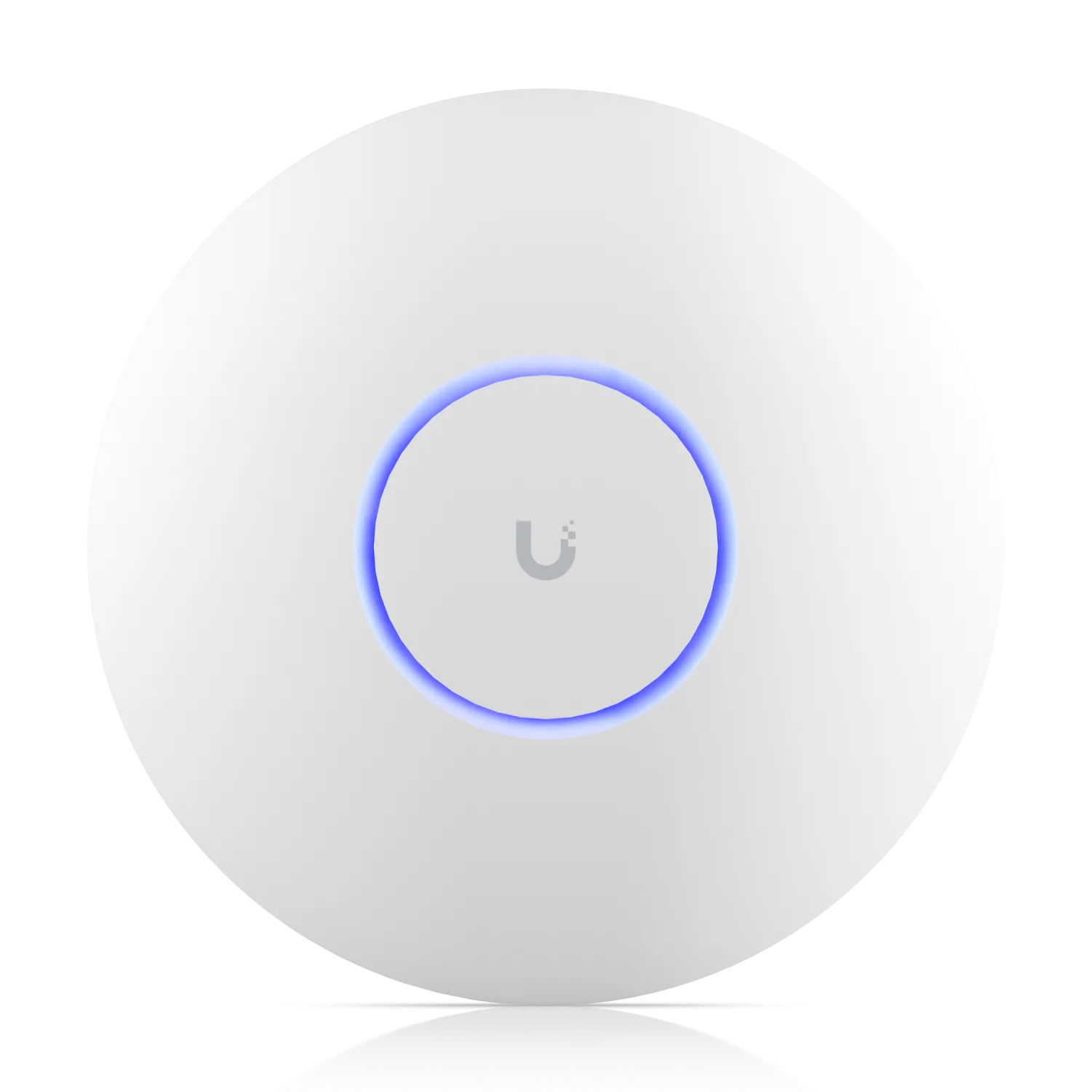
Ubiquiti UniFi Integration
Fully compatible with Ubiquiti UniFi OS Network Controllers (Dream Machine, Cloud Key, self-hosted controllers) and UniFi AP Series (U6, U7 Pro, AC-Lite).
Configuration Steps
Step-by-step UniFi controller setup instructions.
Create RADIUS Profile
Go to Settings > Profiles > RADIUS. Click Create New. Set Profile Name: "Captivux RADIUS". Enable Auth Server. Add IP: 198.51.100.14, Port: 1812, Secret: [Your Venue Secret]. Enable Accounting Server. Add IP: 198.51.100.14, Port: 1813, Secret: [Your Venue Secret].
Activate Hotspot Portal
Go to Settings > Hotspot Portal. Toggle Guest Portal: Enabled. Under Authentication, select: RADIUS. Set RADIUS Profile to "Captivux RADIUS" (created in Step 1). Under Landing Page, choose: Redirect to external portal. Enter https://captivux.com/captive
Configure Pre-Authorization Access
In the Hotspot Portal settings, locate Pre-Authorization Access (Walled Garden). Add hostname records for *.captivux.com, *.facebook.com, and accounts.google.com so devices can load the portal assets.
RADIUS Parameters Reference
The technologies inside this device.
Select a technology to understand its real impact on density, latency and connection quality.
RADIO LAB / WIFI7
Wi-Fi 7 (802.11be)
The 7th generation: 320 MHz channels, 4K-QAM modulation and theoretical throughput up to 46 Gbps. Built for 8K, VR and thousands of simultaneous devices.
Wi-Fi 5 → 6 → 6E → 7
This model’s Wi-Fi 6 generation is highlighted.
| Generation | Standard | Bands | Channel | Max speed | Key tech |
|---|---|---|---|---|---|
| Wi-Fi 5 | 802.11ac | 5 GHz | 80 MHz | 3.5 Gbps | SU-MIMO |
| Wi-Fi 6THIS MODEL | 802.11ax | 2.4 / 5 GHz | 160 MHz | 9.6 Gbps | OFDMA · MU-MIMO |
| Wi-Fi 6E | 802.11ax | 2.4 / 5 / 6 GHz | 160 MHz | 9.6 Gbps | 6 GHz band |
| Wi-Fi 7 | 802.11be | 2.4 / 5 / 6 GHz | 320 MHz | 46 Gbps | MLO · 4K-QAM |