Teltonika RutOS Setup
Follow this guide to bind your Teltonika cellular router (RutOS) with Captivux Cloud RADIUS and custom captive portal.
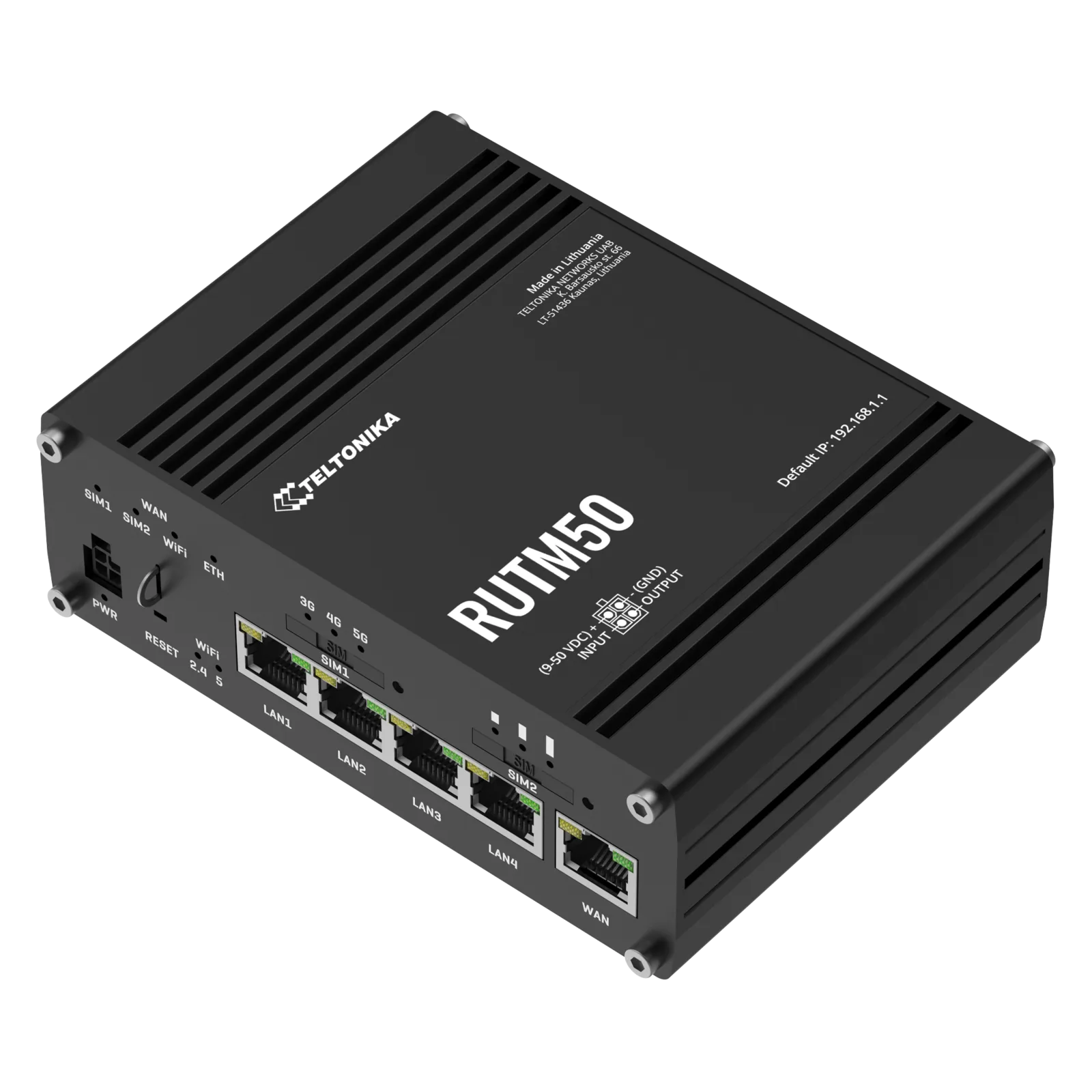
Teltonika RutOS Integration
Fully compatible with Teltonika Networks RUT and RUTX cellular gateways running RutOS (RUT240, RUT950, RUTX11). Connects industrial environments and moving vehicles securely.
Configuration Steps
Web UI instructions for RutOS system consoles.
Create Hotspot Instance
Log in to Teltonika WebUI. Navigate to Services > Hotspot. Click Add to create a new hotspot instance. Select the desired LAN interface.
Configure RADIUS Settings
Under the Hotspot Instance settings, change Authentication Mode to "RADIUS". Enter RADIUS Server IP: 198.51.100.14. Enter Auth Port: 1812, Acct Port: 1813, and your Shared Secret. Set Redirect URL to https://captivux.com/captive
Setup Walled Garden Allowed Hosts
Navigate to the Walled Garden section under the Hotspot Instance. Add whitelist records for captivux.com, *.captivux.com, and social logins (Google / Facebook OAuth) to allow captive portal access.
RADIUS Parameters Reference
The technologies inside this device.
Select a technology to understand its real impact on density, latency and connection quality.
RADIO LAB / CELLULAR
5G / Dual-SIM
5G cellular connectivity with automatic failover between two carriers. Backup or nomadic Wi-Fi for events and remote sites.
Wi-Fi 5 → 6 → 6E → 7
This model’s Wi-Fi 6 generation is highlighted.
| Generation | Standard | Bands | Channel | Max speed | Key tech |
|---|---|---|---|---|---|
| Wi-Fi 5 | 802.11ac | 5 GHz | 80 MHz | 3.5 Gbps | SU-MIMO |
| Wi-Fi 6THIS MODEL | 802.11ax | 2.4 / 5 GHz | 160 MHz | 9.6 Gbps | OFDMA · MU-MIMO |
| Wi-Fi 6E | 802.11ax | 2.4 / 5 / 6 GHz | 160 MHz | 9.6 Gbps | 6 GHz band |
| Wi-Fi 7 | 802.11be | 2.4 / 5 / 6 GHz | 320 MHz | 46 Gbps | MLO · 4K-QAM |