Instant On AP22 Setup
Connect your HPE Aruba Instant On network to the Captivux external captive portal and RADIUS, from the Instant On app or cloud portal.
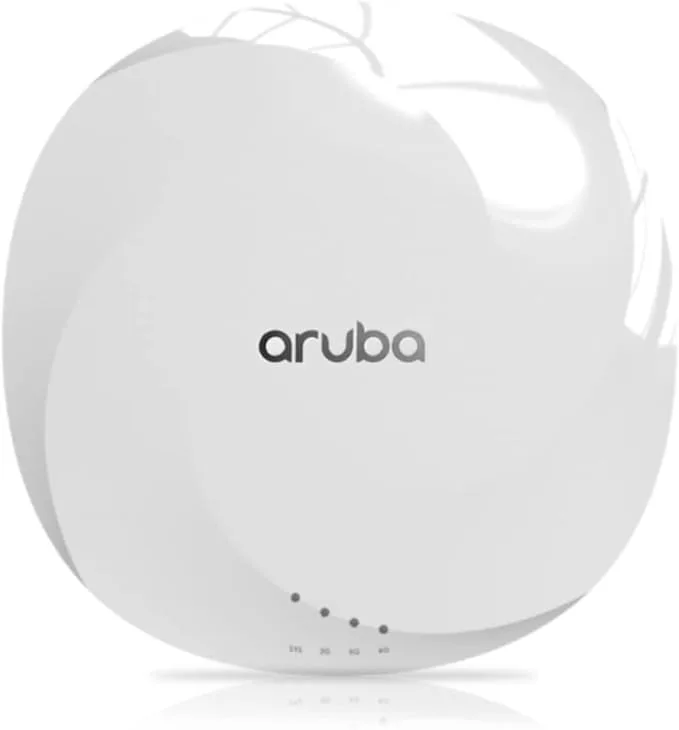
HPE Aruba Instant On Integration
Works with the Instant On AP family (Wi-Fi 6 / 6E) managed from the mobile app or web portal. Captivux provides the external splash page and RADIUS authentication for guest networks.
Configuration Steps
In the Instant On portal (portal.arubainstanton.com).
Create a guest network
Networks > Add > Guest. Set the network name (SSID), e.g. "Guest Wi-Fi".
Enable external captive portal
In the guest network > Security, choose "External captive portal" and enter https://captivux.com/captive?tenant=[tenant] with RADIUS host 198.51.100.14, port 1812 and your venue secret.
Allowed domains
Add *.captivux.com, *.facebook.com and accounts.google.com to the walled-garden / allowed domains so guests can load the portal and OAuth.
RADIUS Parameters Reference
The technologies inside this device.
Select a technology to understand its real impact on density, latency and connection quality.
RADIO LAB / WIFI6
Wi-Fi 6 (802.11ax)
The Captivux-recommended standard: OFDMA, 1024-QAM and 8×8 MU-MIMO. Designed for density (cafés, hotels, retail), not just raw throughput.
Wi-Fi 5 → 6 → 6E → 7
This model’s Wi-Fi 6 generation is highlighted.
| Generation | Standard | Bands | Channel | Max speed | Key tech |
|---|---|---|---|---|---|
| Wi-Fi 5 | 802.11ac | 5 GHz | 80 MHz | 3.5 Gbps | SU-MIMO |
| Wi-Fi 6THIS MODEL | 802.11ax | 2.4 / 5 GHz | 160 MHz | 9.6 Gbps | OFDMA · MU-MIMO |
| Wi-Fi 6E | 802.11ax | 2.4 / 5 / 6 GHz | 160 MHz | 9.6 Gbps | 6 GHz band |
| Wi-Fi 7 | 802.11be | 2.4 / 5 / 6 GHz | 320 MHz | 46 Gbps | MLO · 4K-QAM |