Meraki MR57 Setup
Bind your cloud-managed Cisco Meraki SSID to the Captivux external RADIUS and captive portal from the Meraki dashboard.
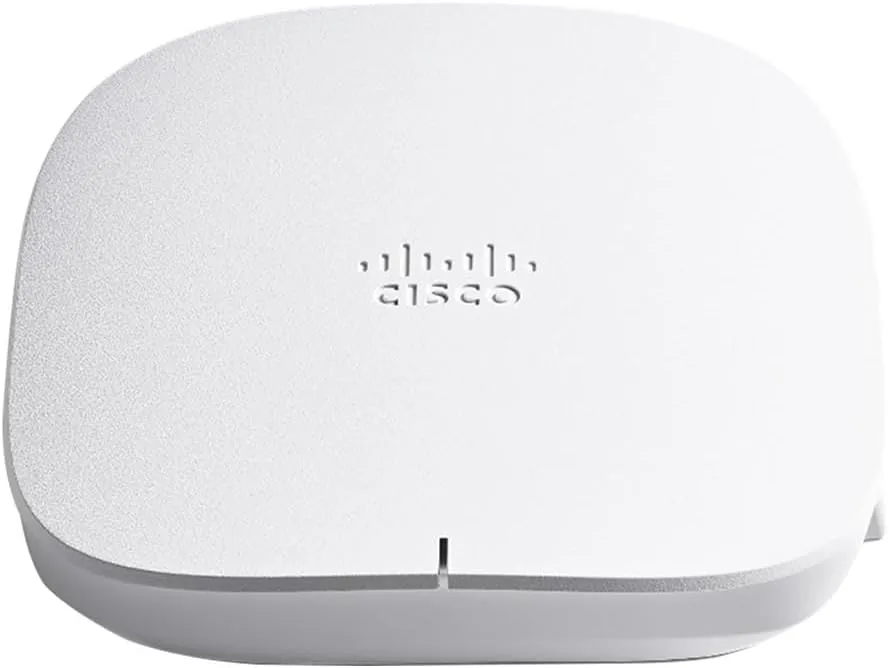
Cisco Meraki Integration
Compatible with the cloud-managed Meraki MR family (Wi-Fi 6 / 6E / 7) and Catalyst wireless. Captivux acts as the external RADIUS server and splash page; no on-site controller required.
Configuration Steps
In the Meraki dashboard (dashboard.meraki.com).
Add a RADIUS server
Wireless > Access control > Splash page: select "Sign-on with my RADIUS server". Add host 198.51.100.14, port 1812, with your venue secret.
Set the external splash URL
Under Splash page, choose "Click-through / Sign-on" then "Custom URL" and point it to https://captivux.com/captive?tenant=[tenant].
Walled garden
Add *.captivux.com, *.facebook.com and accounts.google.com to the Walled Garden so guests can reach the portal and OAuth before authenticating.
RADIUS Parameters Reference
The technologies inside this device.
Select a technology to understand its real impact on density, latency and connection quality.
RADIO LAB / WIFI6E
Wi-Fi 6E · 6 GHz band
Opens the 6 GHz band, free of legacy devices — a dedicated “highway” for modern clients, with none of the 2.4/5 GHz congestion.
Wi-Fi 5 → 6 → 6E → 7
This model’s Wi-Fi 6 generation is highlighted.
| Generation | Standard | Bands | Channel | Max speed | Key tech |
|---|---|---|---|---|---|
| Wi-Fi 5 | 802.11ac | 5 GHz | 80 MHz | 3.5 Gbps | SU-MIMO |
| Wi-Fi 6THIS MODEL | 802.11ax | 2.4 / 5 GHz | 160 MHz | 9.6 Gbps | OFDMA · MU-MIMO |
| Wi-Fi 6E | 802.11ax | 2.4 / 5 / 6 GHz | 160 MHz | 9.6 Gbps | 6 GHz band |
| Wi-Fi 7 | 802.11be | 2.4 / 5 / 6 GHz | 320 MHz | 46 Gbps | MLO · 4K-QAM |