MikroTik RouterOS Setup
Follow this guide to bind your MikroTik router (RouterOS) with Captivux Cloud RADIUS and custom captive portal.
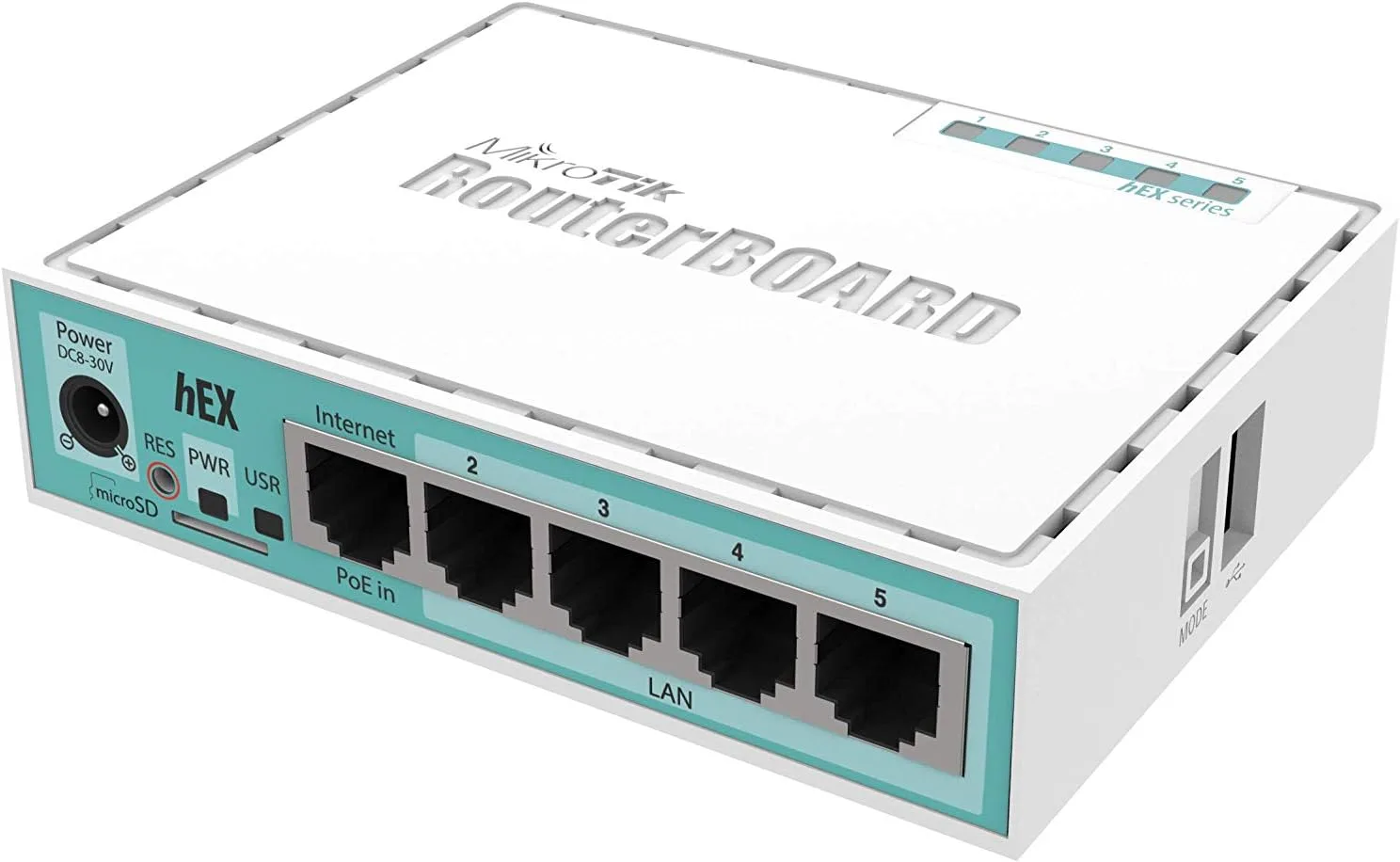
MikroTik RouterOS Integration
Fully compatible with all MikroTik Routerboards running RouterOS v6 or v7. Supports standard RADIUS authentication, accounting, CoA (Change of Authorization), and walled garden rules.
Configuration Steps
CLI Script instructions to deploy configuration directly.
Add RADIUS Client
Open MikroTik Terminal or WinBox. Execute the CLI command to register the RADIUS server: `/radius add service=hotspot address=198.51.100.14 secret=[Your_Secret_Key]`
Enable RADIUS on Hotspot Profile
Associate RADIUS authentication with your hotspot server: `/ip hotspot profile set [find default=yes] use-radius=yes`. This forces the router to ask our server for authorization.
Configure Walled Garden Access
Add exceptions so guests can load the portal assets and OAuth services: `/ip hotspot walled-garden add dst-host=*.captivux.com action=allow` and `/ip hotspot walled-garden add dst-host=*.facebook.com action=allow`.
RouterOS CLI Configuration Snippet
RADIUS Parameters Reference
The technologies inside this device.
Select a technology to understand its real impact on density, latency and connection quality.
RADIO LAB / HOTSPOT
Hotspot & captive portal (UAM)
The router intercepts new devices and redirects them to the Captivux login page. Once authenticated, Internet access opens — native in RouterOS.
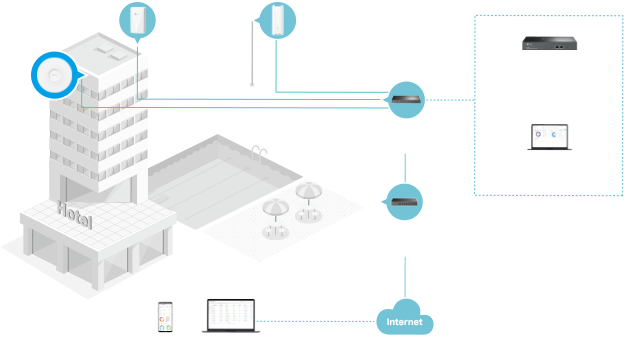
Wi-Fi 5 → 6 → 6E → 7
This model’s Wi-Fi 6 generation is highlighted.
| Generation | Standard | Bands | Channel | Max speed | Key tech |
|---|---|---|---|---|---|
| Wi-Fi 5 | 802.11ac | 5 GHz | 80 MHz | 3.5 Gbps | SU-MIMO |
| Wi-Fi 6THIS MODEL | 802.11ax | 2.4 / 5 GHz | 160 MHz | 9.6 Gbps | OFDMA · MU-MIMO |
| Wi-Fi 6E | 802.11ax | 2.4 / 5 / 6 GHz | 160 MHz | 9.6 Gbps | 6 GHz band |
| Wi-Fi 7 | 802.11be | 2.4 / 5 / 6 GHz | 320 MHz | 46 Gbps | MLO · 4K-QAM |